Skip to content
75TH FIGHTER SQUADRON CADET GUIDEBOOK
01Welcome aboard02Install liveries03Install kneeboards04Install mods05Complete guide
75TH FIGHTER SQUADRONWELCOME ABOARD
75th Fighter Squadron Tiger Sharks unit patch

CADETGUIDEBOOK

TIGER SHARKS · ATTACK!SCROLL TO GET STARTED
01 / AIRCRAFT SETUPNEXT: KNEEBOARDS

INSTALL
LIVERIES

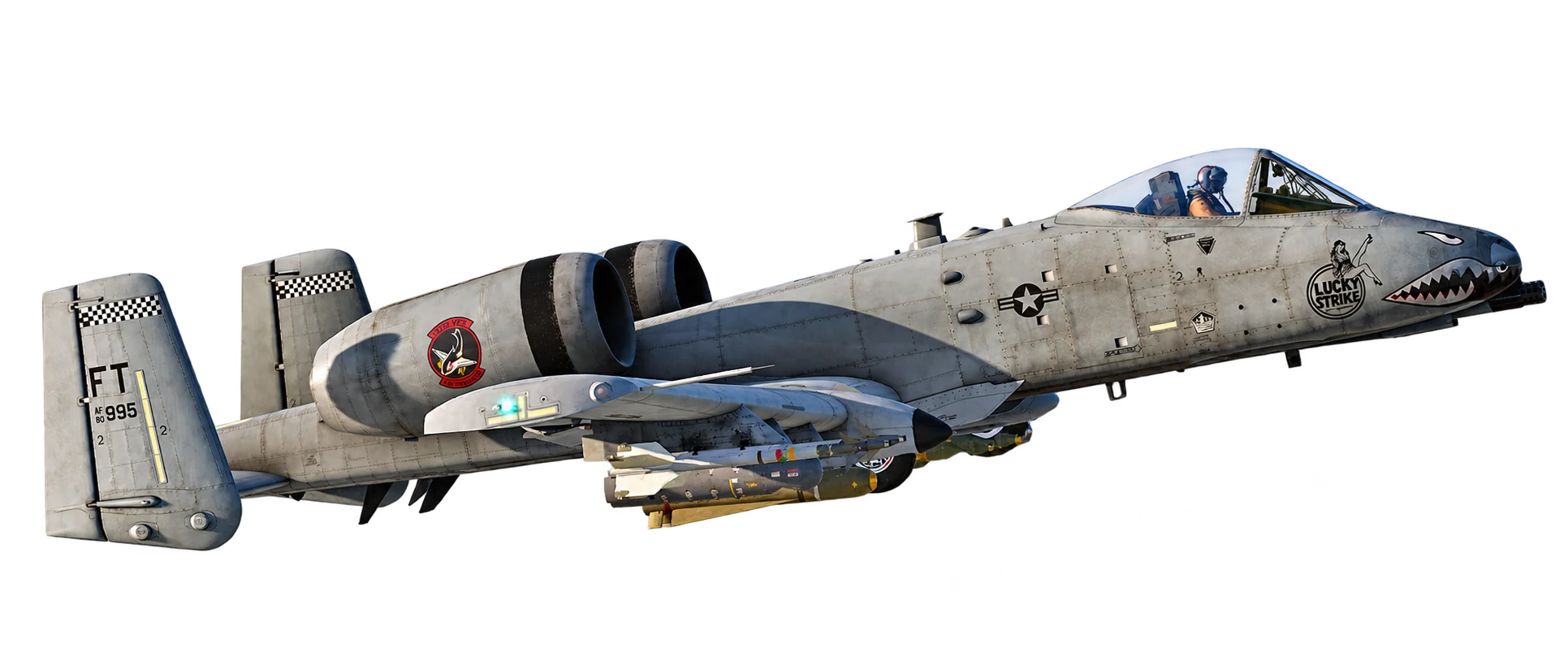
Tiger Sharks A-10C II, tail FT 995, with squadron markings and Lucky Strike nose art

Get the squadron’s colors on your A-10C II. Download the livery pack and follow the installation guide.

DOWNLOAD & INSTALL LIVERIES
02 / COCKPIT REFERENCESNEXT: REQUIRED MODS

INSTALL
KNEEBOARDS

Keep the Flight Lead’s Checklist, Standard Contracts, and CSAR 15-Line within reach in the cockpit.

DOWNLOAD & INSTALL KNEEBOARDS
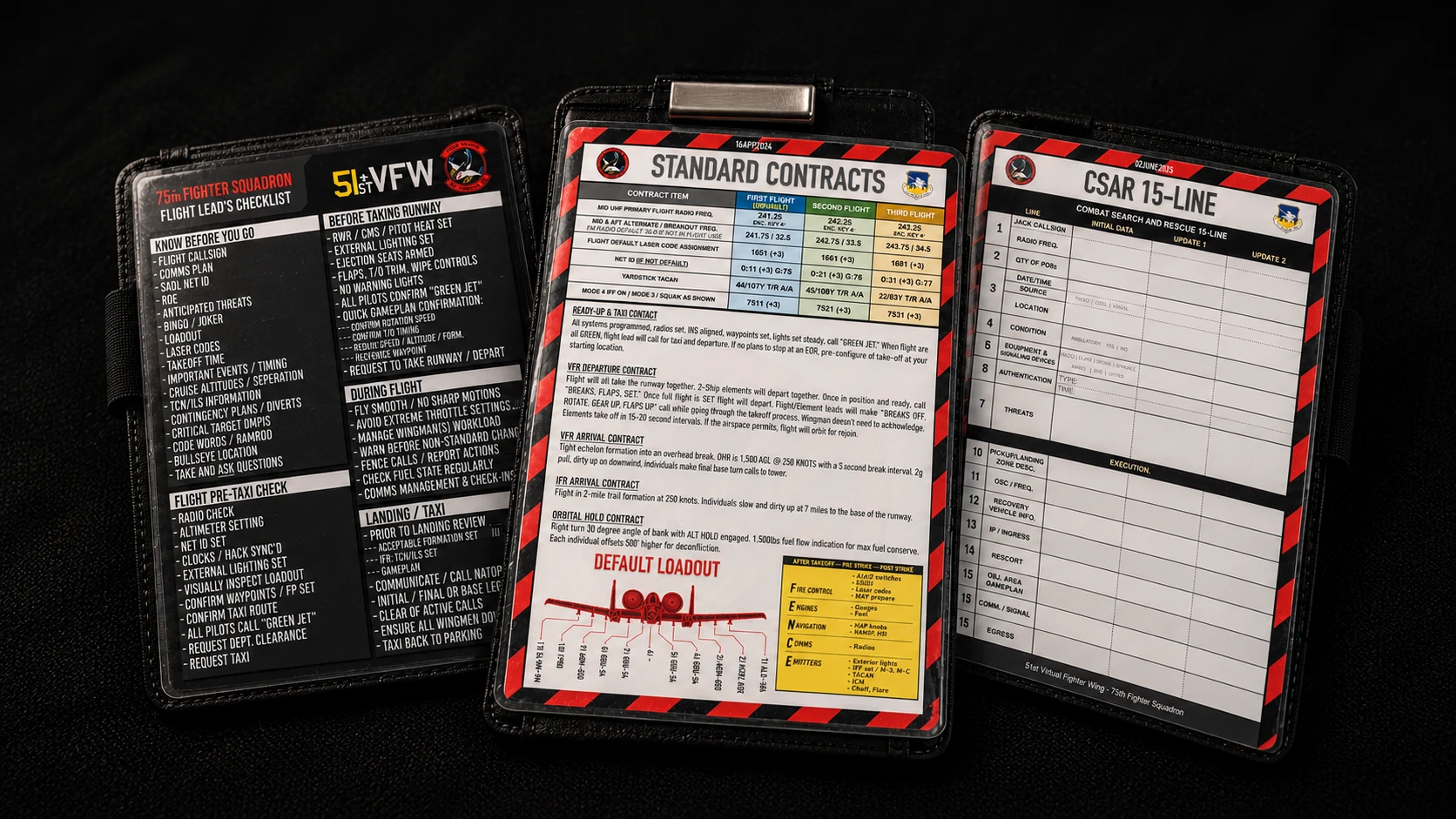
Squadron Flight Lead’s Checklist, Standard Contracts, and CSAR 15-Line kneeboards
CHECKLISTS / CONTRACTS / CSAR
75TH FIGHTER SQUADRONCONTINUE TO MODS
03 / REQUIRED MODSNEXT: THE COMPLETE GUIDE

INSTALL
REQUIRED
MODS

In the 51st Virtual Fighter Wing Discord, open #51st-required-mods. Follow the download links and installation instructions posted there before joining squadron flights.
51ST VIRTUAL FIGHTER WINGDISCORD
51st-required-mods
  1. 01

    Open the wing’s Discord server.

  2. 02

    Find the 51st-required-mods channel.

  3. 03

    Install the requirements using the instructions in that channel.

SETUP COMPLETE? READ THE GUIDE.THE COMPLETE GUIDE
04 / THE COMPLETE GUIDE17 PAGES / EDITION 1 — JUL2026

VIEW THE FULL
GUIDEBOOK

Read the complete original guide, including flight restrictions, Discord channels, ICR, and all three IQT phases.

LOGBOOKS

Log your flight.

The 75th FS Logbook tracks flights, training progress, qualifications, squadron activity, and campaign statistics. Sign in with Discord on the hub and complete one form after every official flight. Your Instructor Pilot can assist with your first few submissions, and your Flight Lead will provide the total flight time during the debrief.

OPEN LOGBOOK
RETURN TO THE HUB75th Fighter SquadronBACK TO TOP